
Know what the job has committed before the invoice arrives
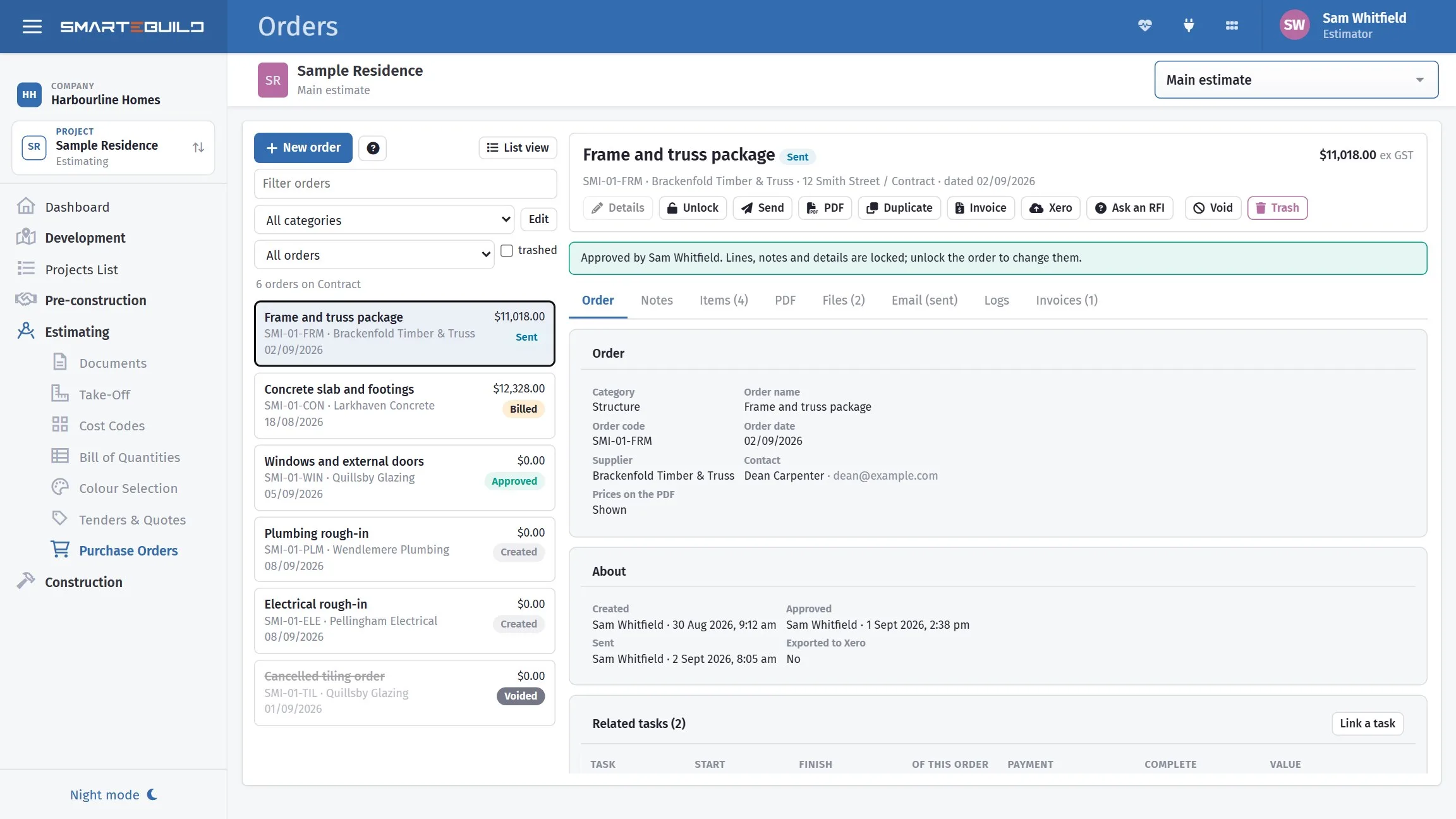
Most builders find out they are over budget when the invoices come in. SmarteBuild shows committed cost the moment an order goes out, against the budget the estimate set.
One job, four stages, no re-keying
The reason numbers go wrong on a build is that they get entered more than once. SmarteBuild enters them once.
-
1
Estimate the job
Everything in the Estimator plan — take-off, bill of quantities, price lists, tenders and quotes received. The estimate becomes the budget rather than being filed away.
-
2
Commit the money
Turn BOQ items into purchase orders and send them from inside the app using your own email address. Committed cost updates the moment the order goes out, not when the invoice lands.
-
3
Track what it really costs
Match supplier invoices back to the orders that authorised them, so cost-to-date sits against the budget on every cost code. Push to Xero rather than keying it twice.
-
4
Claim it back
Progress claims by percentage or by stage, with variations included, all running off the same contract the estimate created.
The easiest way to raise a claim
Claim by percentage complete or by contract stage. Variations and contract adjustments come in automatically, so the claim reflects what the contract is actually worth now — not what it was worth at signing.
- Claim by percentage or by stage
- Variations and contract adjustments included
- Sent from inside the app using your own email address
- Every claim and client payment tracked to settlement

Never miss a call-up
Programme the job on a Gantt, move a date and see what shifts with it. Print the call-up sheet for the week ahead so every trade knows when they are on, and nobody gets forgotten between the plan and the site.
- Gantt programme with dependencies and delays
- Call-up and call-forward sheets for the week ahead
- Bookings against trades and suppliers
- Cash flow projected across the programme

And the accounts are not a second job
Invoices entered in SmarteBuild push through to Xero, so the bookkeeping happens once. Google and Office 365 connect too, for documents and mail.
Run a real job on it
Thirty days free, no credit card. Put a live job in and see where the money actually goes.