
Watch it do the job before you trust it with one
Short videos of the real software, recorded screen by screen, with the words written down underneath. Nothing to sign up for and nothing to install.
Start here
What the thing is, and what the first hour with it looks like.

Finding your way around
The shape of the thing, in a minute and a half
1:26 Watch on YouTube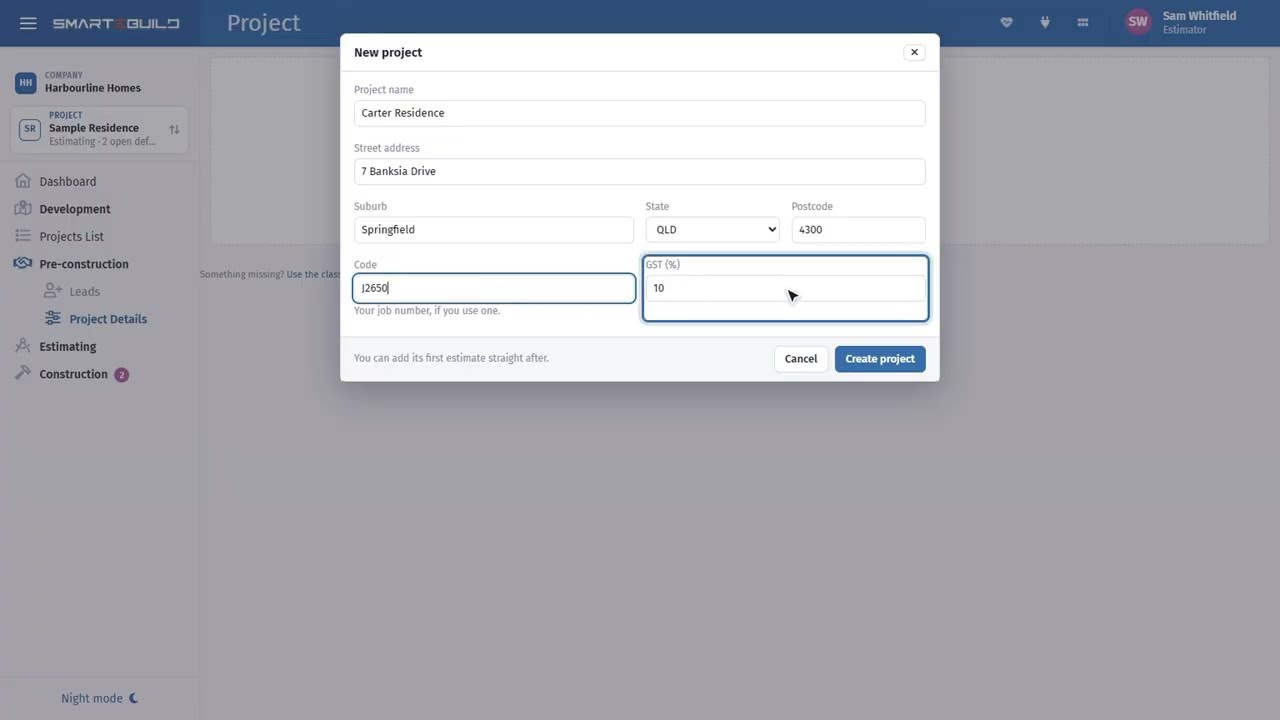
Creating your first project
From nothing to a job you can price
1:34 Watch on YouTube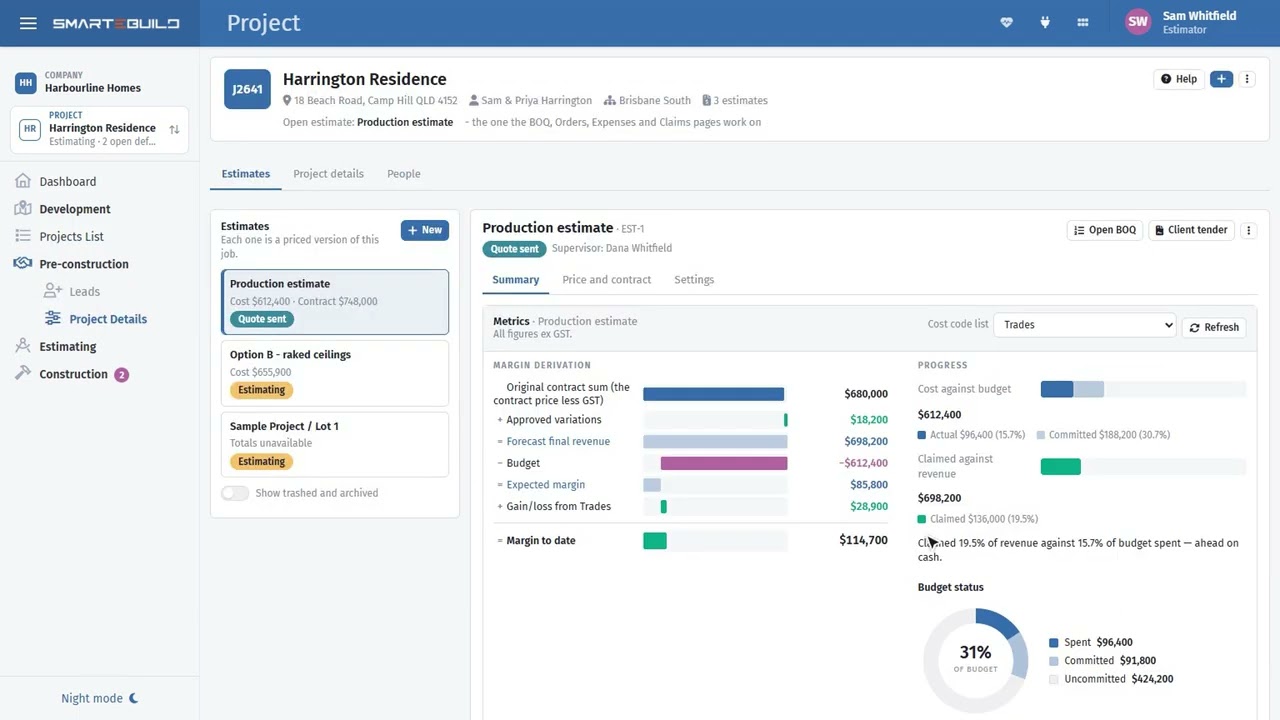
Projects and estimates
Why a job can carry more than one price
1:45 Watch on YouTube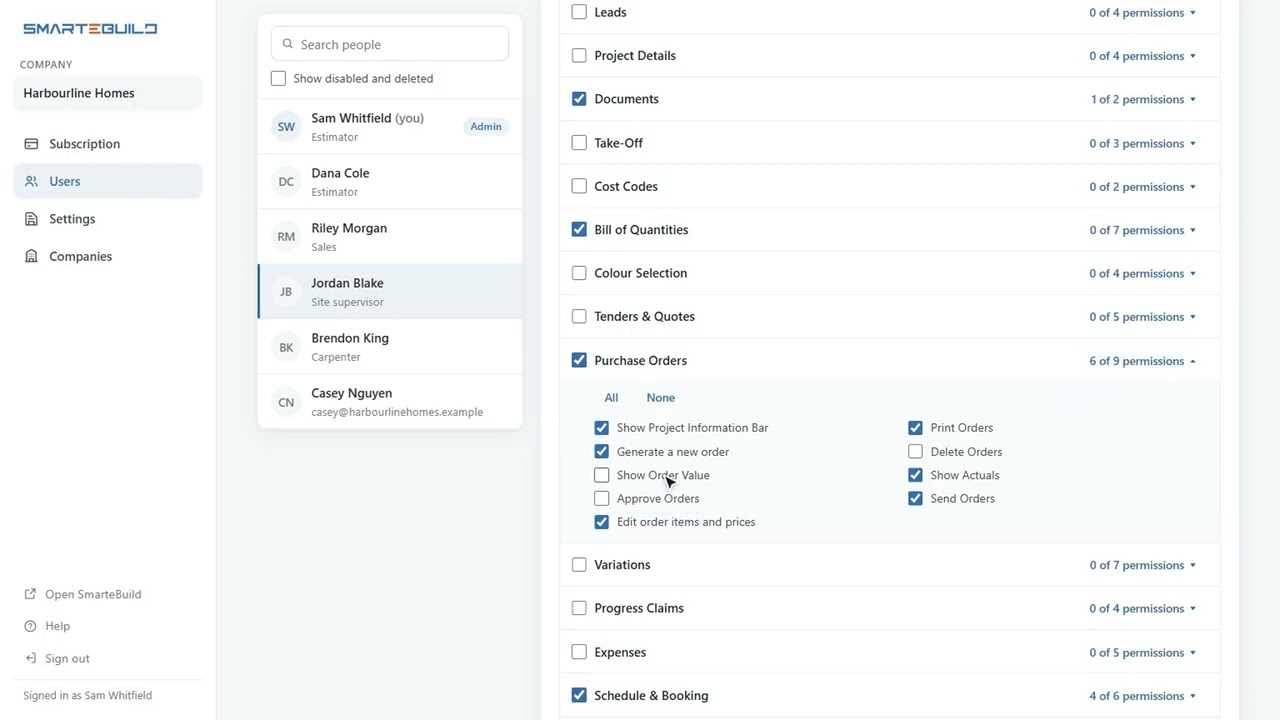
Users and permissions
Who can see the margins, and who cannot
2:12 Watch on YouTube
The dashboard
What needs you today, across every job
2:01 Watch on YouTubeWatch it price a job
From an empty project to a bill of quantities with real rates behind every line.

Adding items
Four ways in, and when each one is the right one
3:04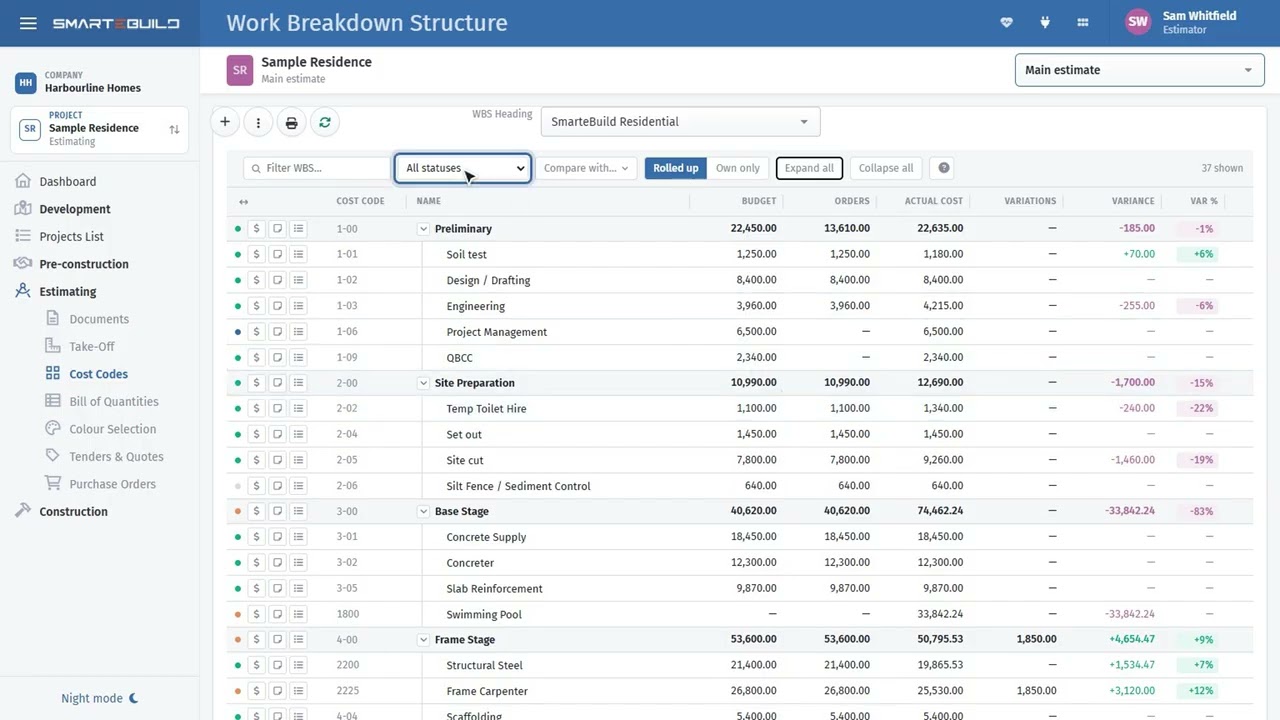
Cost codes: setting up your structure
The filing system every other number hangs off
1:46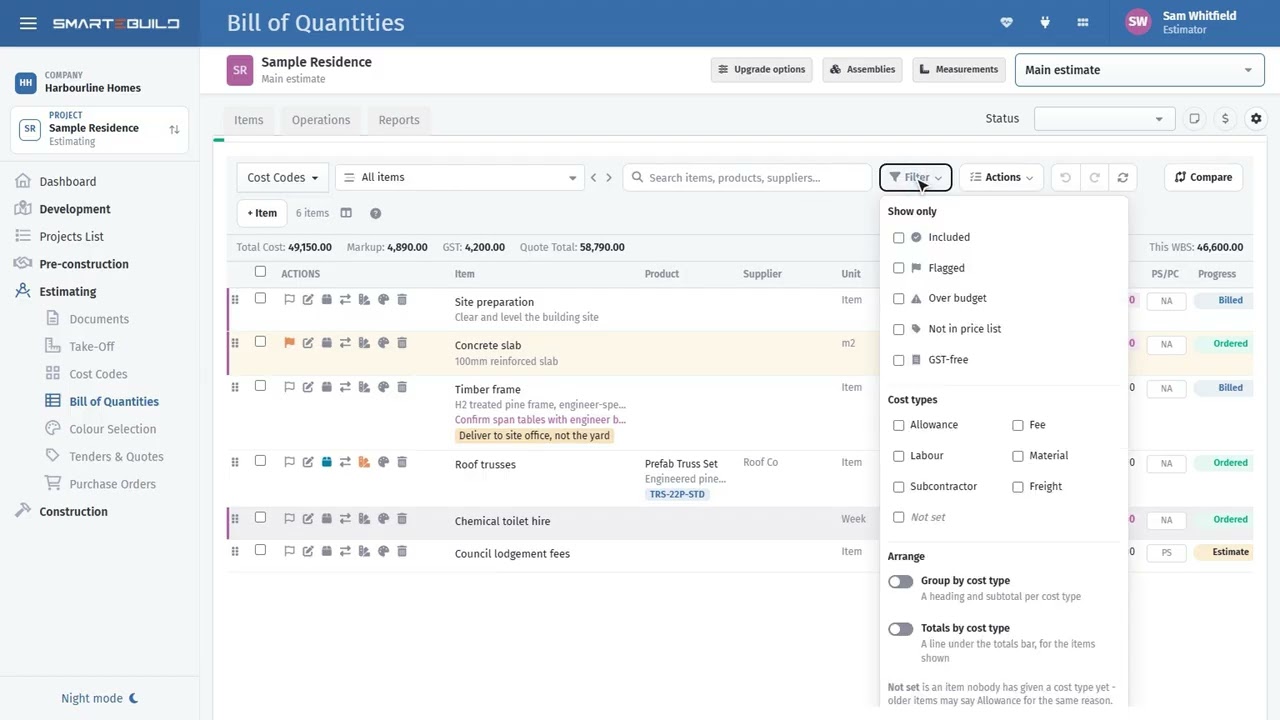
The Bill of Quantities: a tour
Every number on the screen, and where it comes from
1:46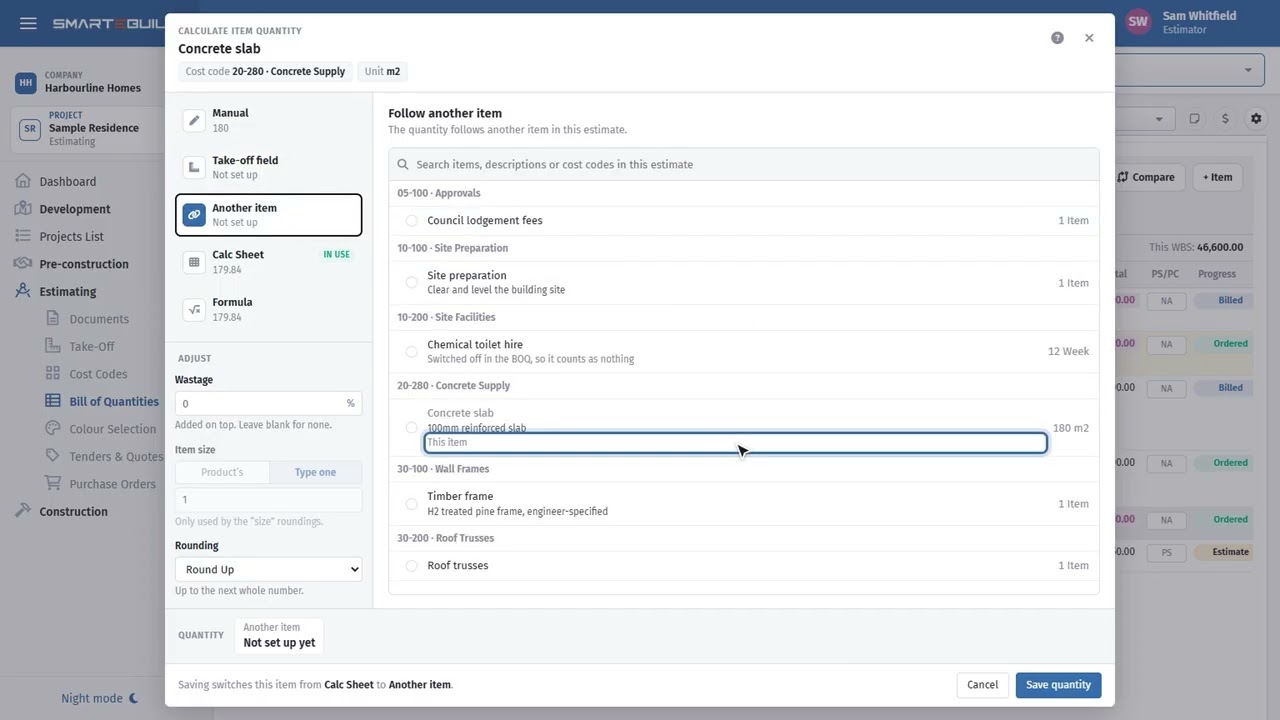
The quantity calculator
Every way a quantity gets onto a line
4:57
Measurements and take-off fields
Measure once, and let the estimate follow
2:44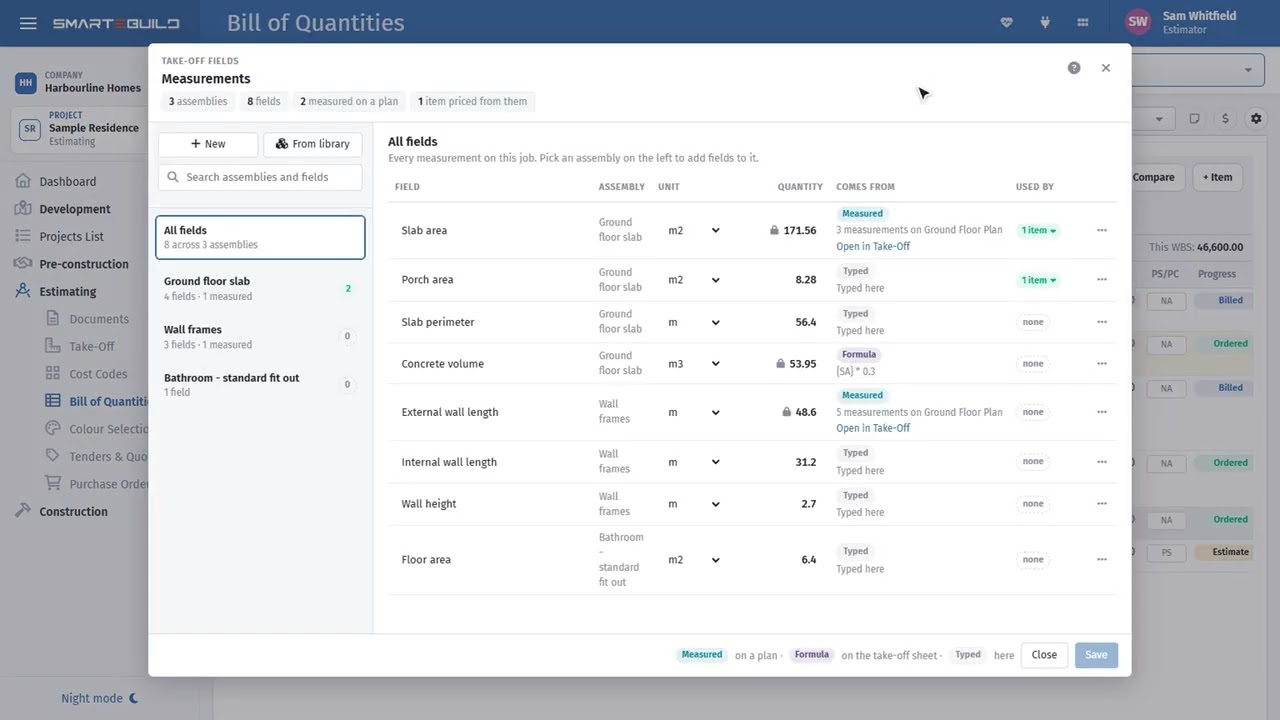
Assemblies: kits that measure themselves
The items that always go together, saved once
2:56
Take-Off: measuring a plan
Scale it, measure it, and let it price itself
3:18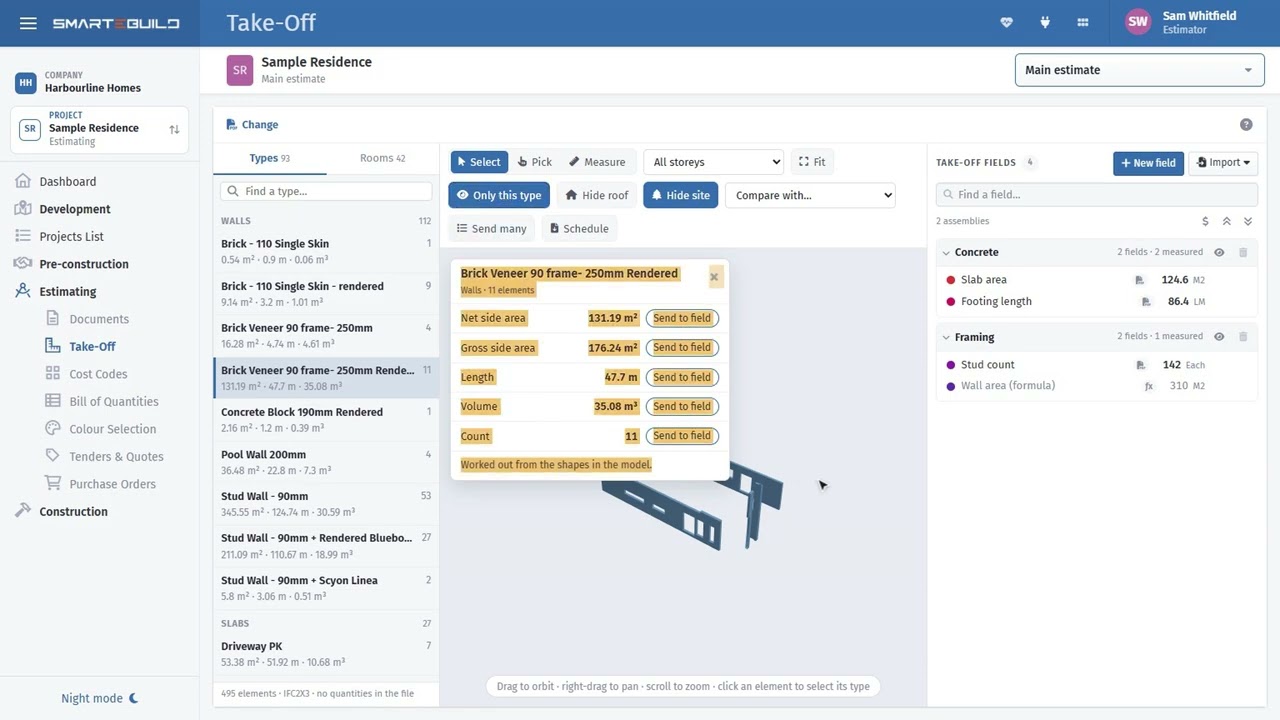
Take-Off: quantities from a 3D model
When the drawing is a model, not a page
2:33
Price lists and products
Your rates, kept — and the supplier behind each one
2:31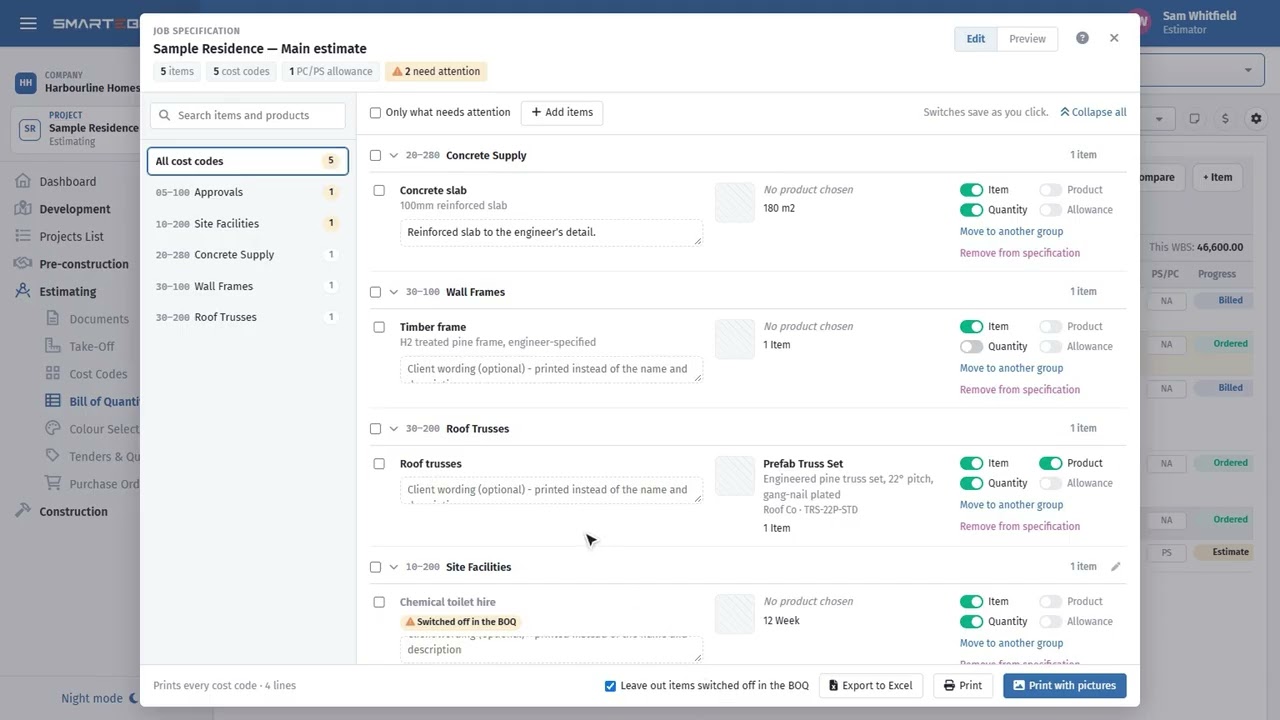
The specification
What the client is promised, taken from what you priced
2:41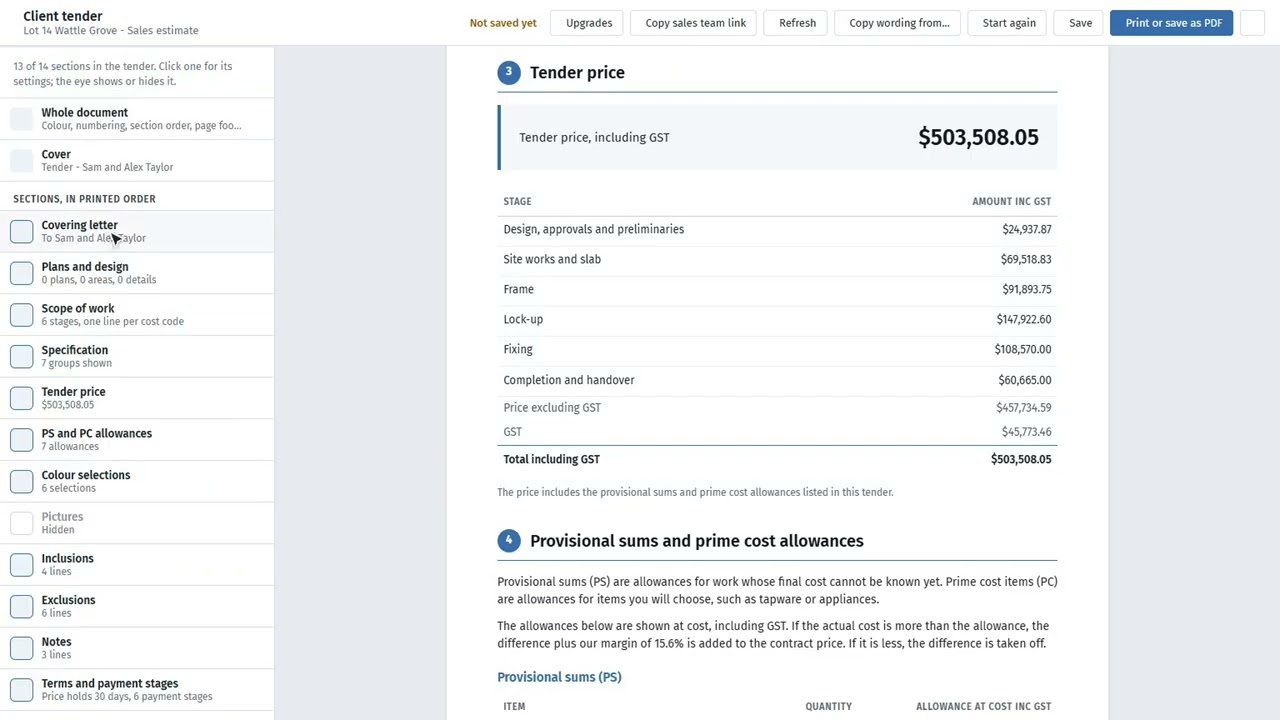
The client tender
The estimate, as the client should see it
2:38
Copying and comparing estimates
Which version did we price, and what changed?
2:14
Documents
Drawings, revisions, and who has which one
2:54 Watch on YouTubeWatch it win the work
Getting prices in from trades, and getting a number in front of the client.

Tenders: packages and quotes
Out to the trades, and the prices lined up when they come back
2:14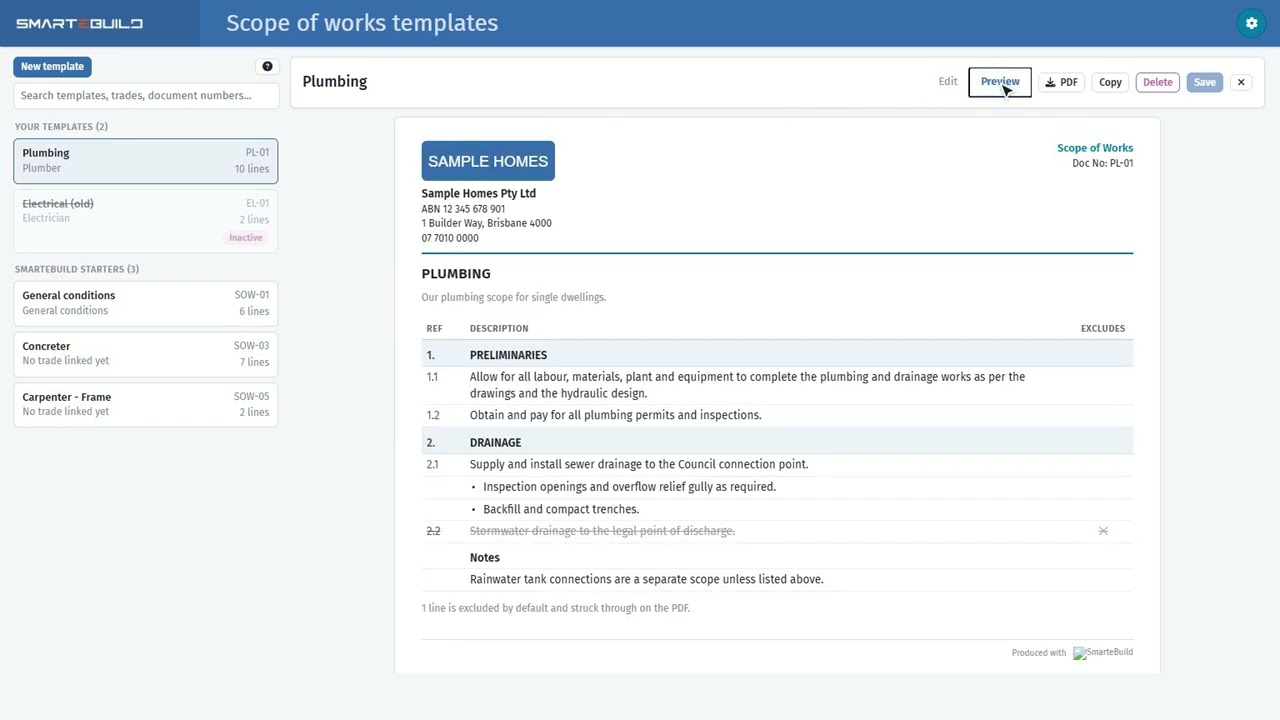
Scope of works
Written once per trade, ticked for each job
3:14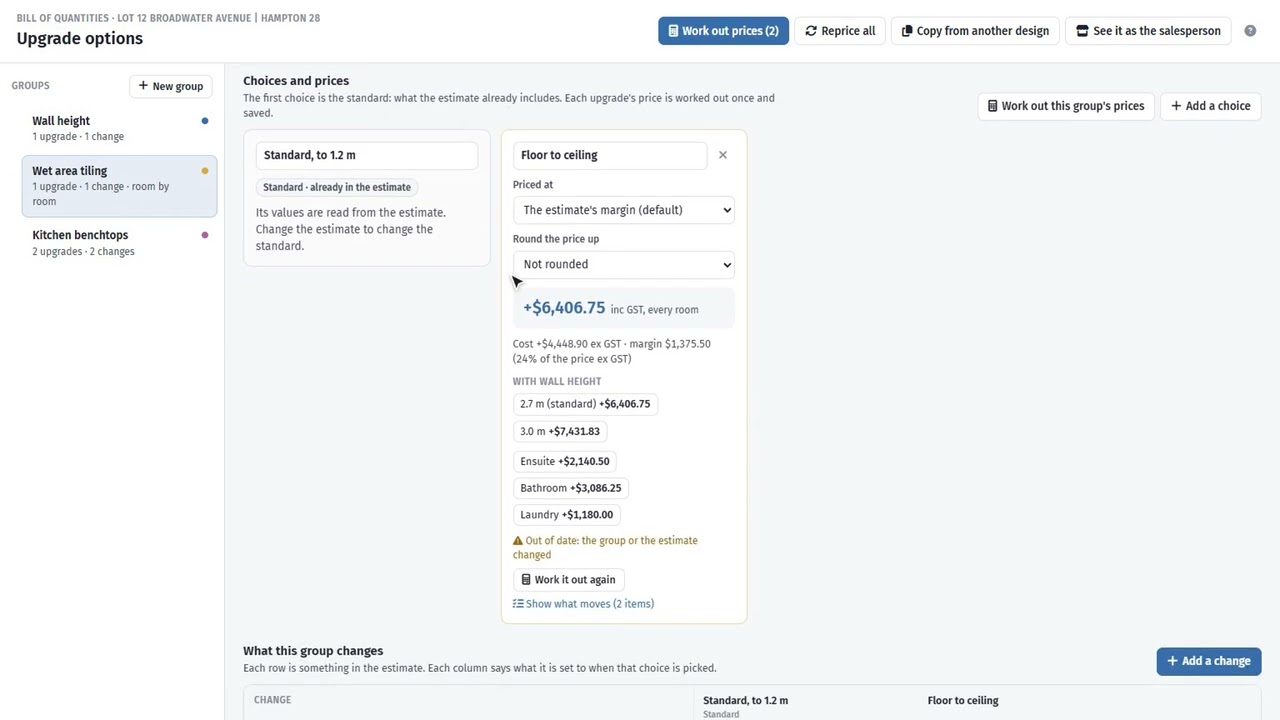
Sales upgrades: setting up the options
The choices a client can make, priced once
3:08 Watch on YouTube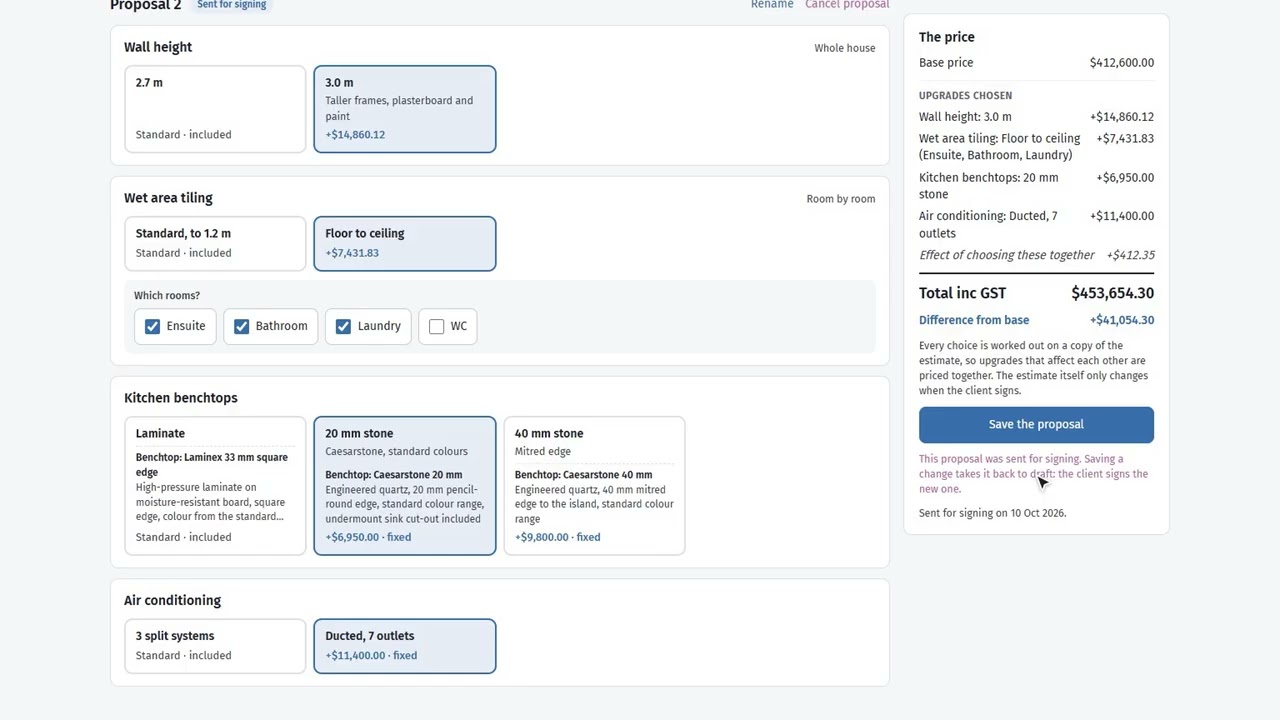
Sales upgrades: quoting and signing
Priced in front of the client, signed into the contract
2:39 Watch on YouTube
Leads
Enquiries kept somewhere other than an inbox
2:20 Watch on YouTube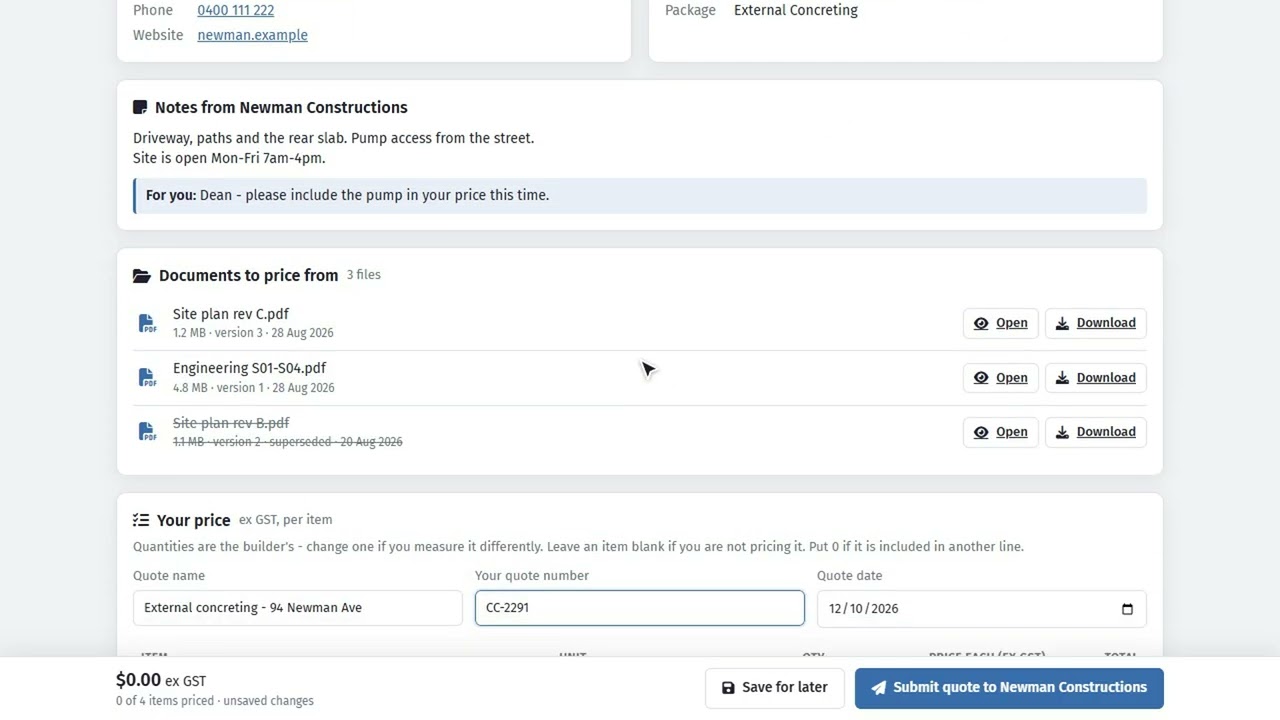
What your subcontractor sees
The other end of a tender invitation
2:00 Watch on YouTubeWatch it run the job
Orders, invoices, variations and claims, once the job is won.
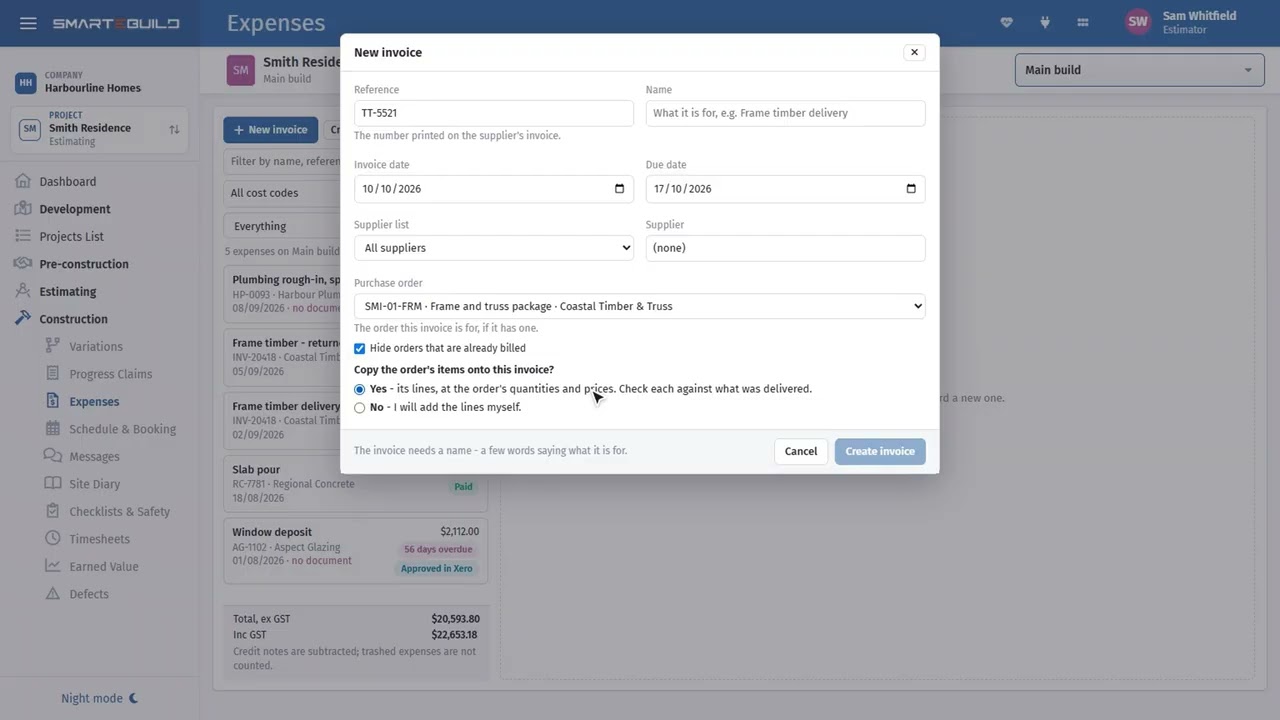
Expenses and invoices
Every invoice against the order that authorised it
2:27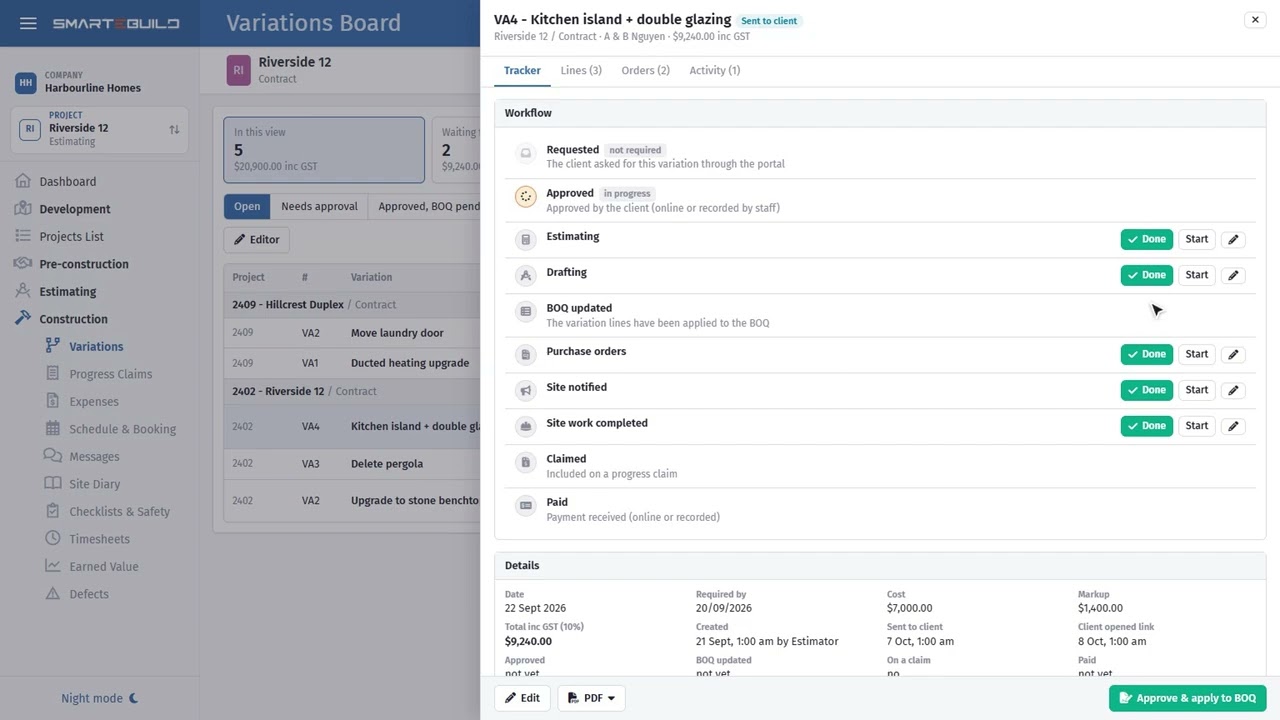
Variations
Priced, signed, and actually paid for
2:14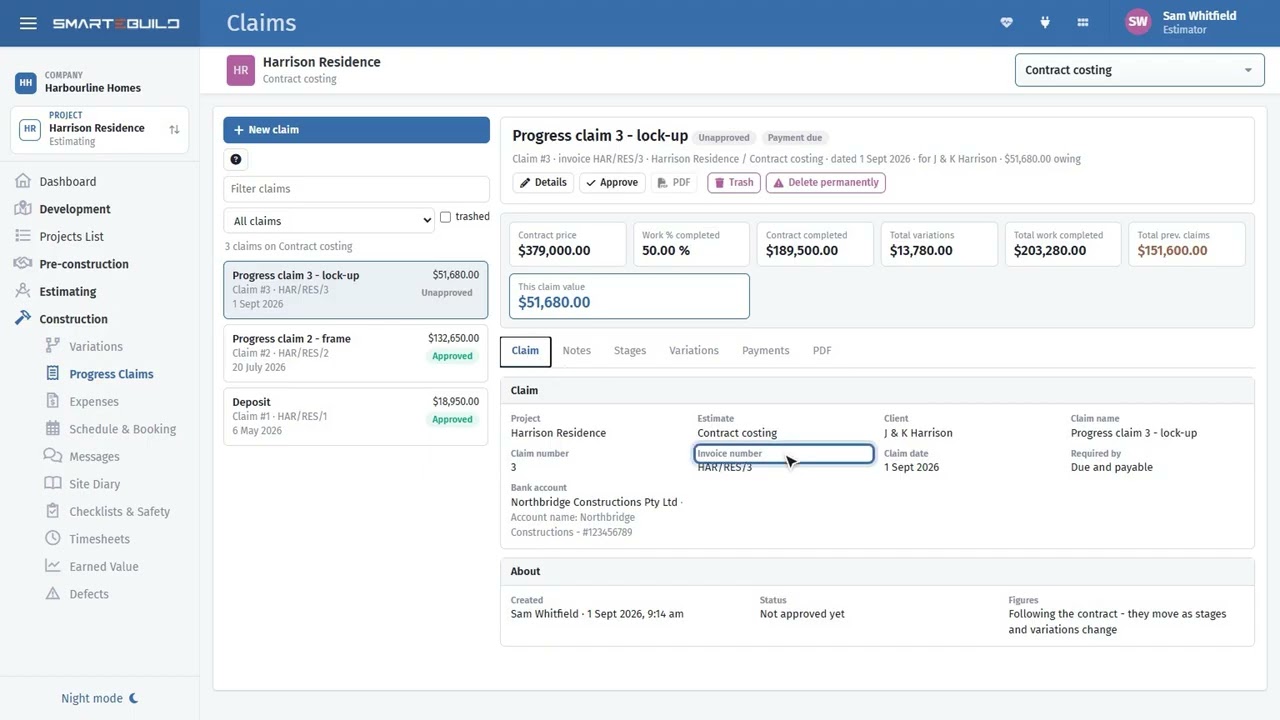
Progress claims
Claim the stage, and get the variations in with it
2:16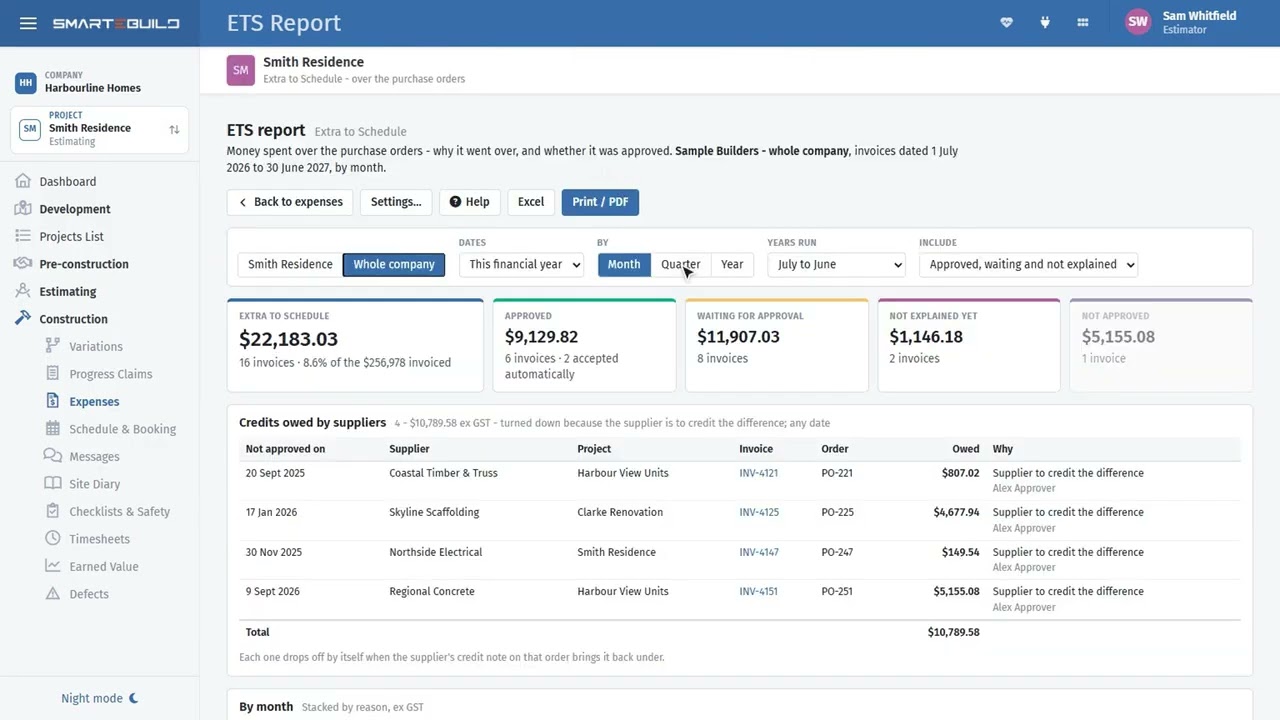
Extra to Schedule
Invoices that come in over their order
2:09 Watch on YouTube
The schedule
Move one bar and watch what follows
2:32
The client portal
Where the client looks, instead of ringing you
2:11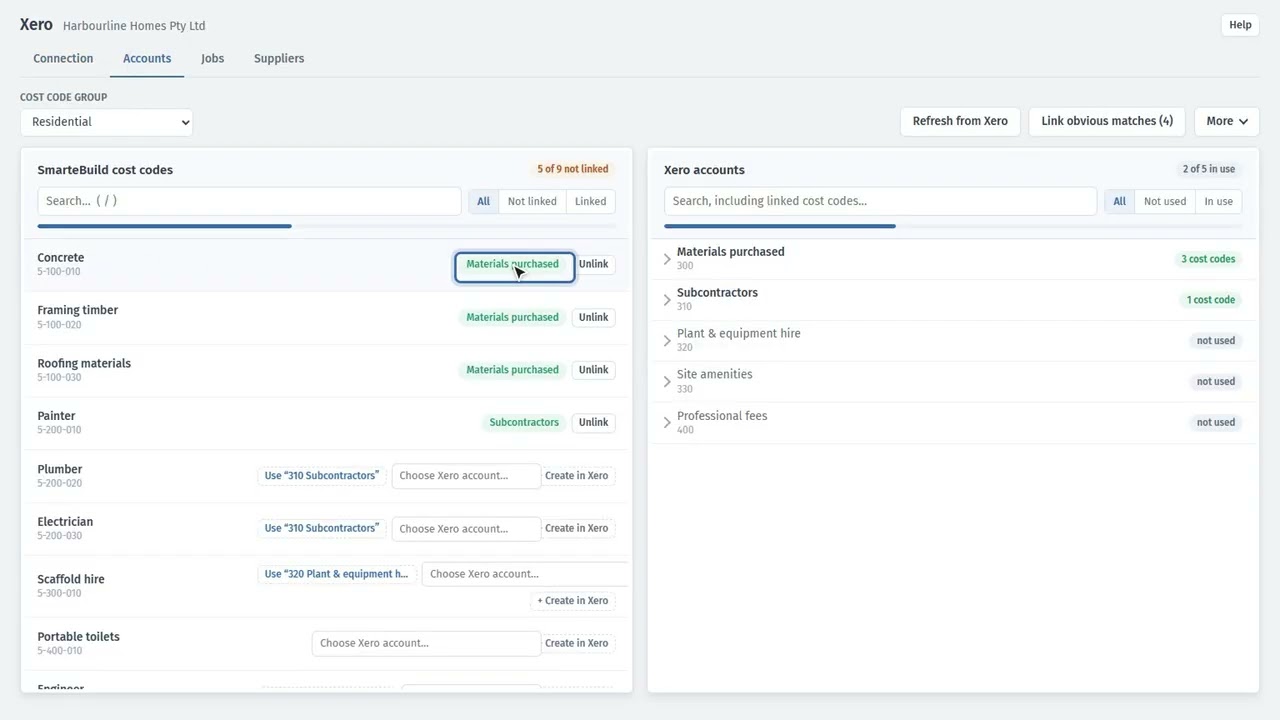
Connecting Xero
Type the invoice once, not twice
2:05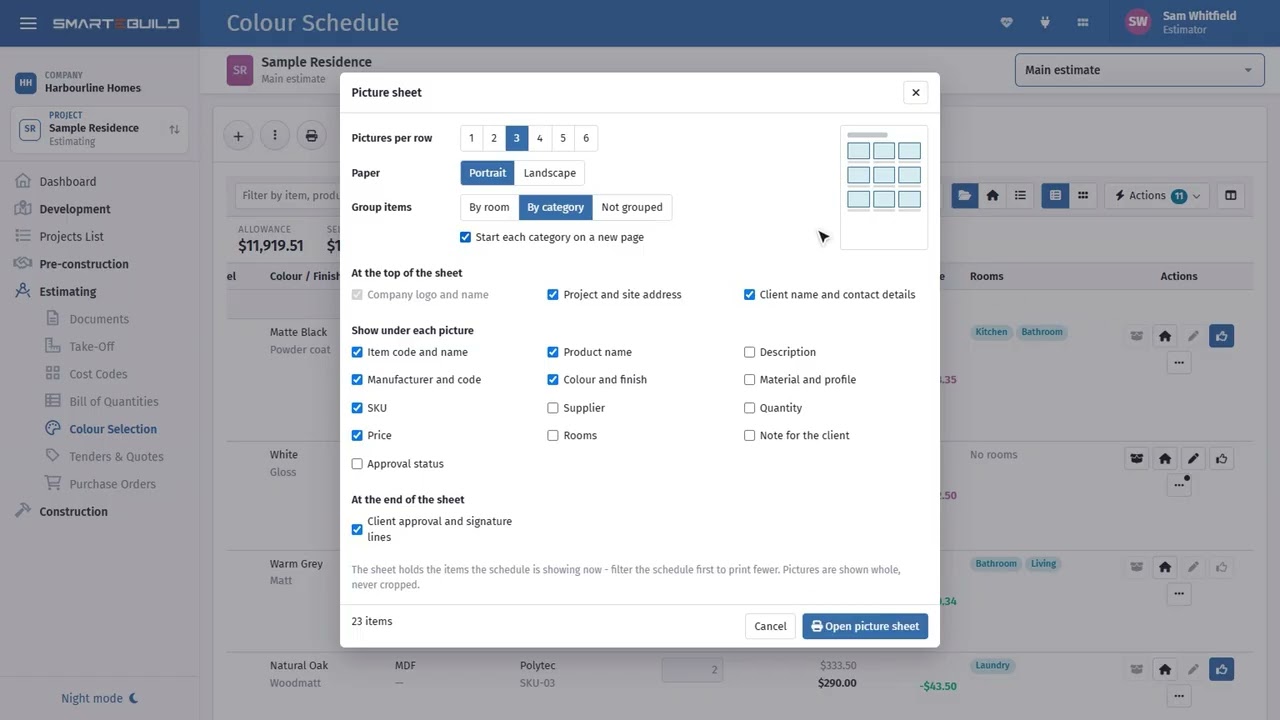
Colour selection
The appointment, and what it does to the price
2:57
RFIs to colleagues
Ask once, from the right place
2:47Watch it on site
The parts a supervisor uses with a phone in one hand.


AI assist
The jobs AI does for you, paid from prepaid AI credit. Everything else works without it.

AI credit
How the AI is paid for, and what each job costs
2:26 Watch on YouTube
AI in Take-Off
Draft the whole take-off from the plans, then check it
2:34 Watch on YouTube
Final check
The last look at an estimate, with an AI read
2:34 Watch on YouTube
AI in Tenders
Read a quote, check what each one leaves out
2:35 Watch on YouTube
Find local businesses
New trades and suppliers near the job
2:13 Watch on YouTube
Ask the job
Plain questions, answered from the job’s own figures
2:41 Watch on YouTube
Ask AI about a cost code
What is missing, and do the rates look right
2:44 Watch on YouTube
Update prices from a supplier’s file
A new price book read in, checked, then applied
2:44 Watch on YouTube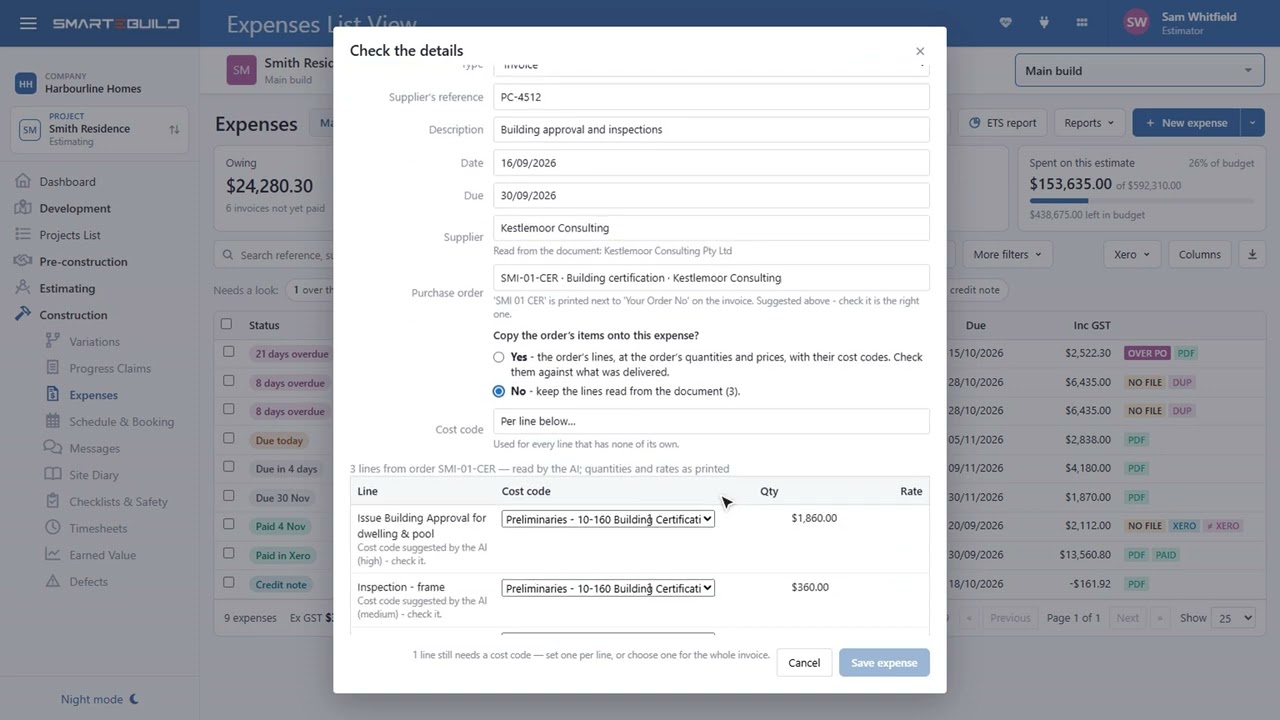
Read a bill with AI
Scans and photos of a supplier’s bill to an expense
2:49 Watch on YouTube
Site photos with AI
Diary notes, safety issues and defects from a photo
3:03 Watch on YouTubeMore are being added
46 so far, with the rest landing here as each one is finished. Every video is on the SmarteBuild channel as well, if you would rather watch a run of them.
Already a customer and after the detail rather than the tour? The help centre has the full written article for every screen, and the same videos sit at the top of the ones they belong to.
Start with one job and see
Try the whole thing free for 30 days. No credit card to start, and no lock-in contract.